Streamers · Formats · DJ
DJ streaming on Twitch: keep your chat alive during the set
On a DJ stream, you don't talk through the mix: you get chat talking. Call the drop so chat counts it down with you, answer track ID requests with a command, welcome every raid between two transitions and keep an end-of-set ritual. In OBS, a limiter on your mixer audio and one scene per part of the set cover the essentials. A LiveGotchi creature on your overlay reacts to the same moments: it dances when chat spams emotes, gets hyped when a raid lands, and some of them list the word "drop" among their triggers.
- Chat can't read your mind: narrate the set in a few words, especially right before the drop.
- A
!trackidcommand answers the question that never stops coming, without breaking your mix. - In Twitch's DJ Program, clips and VODs are switched off: everything happens live.
- Every event (raid, sub, emote spam) deserves a visible reaction that doesn't depend on your voice.
- A creature on your overlay turns those moments into on-screen reactions, and grows with your hours on air.
What keeps chat alive on a DJ stream?
People come for the music and stay for the room. On a DJ stream, chat is the dancefloor: it yells when the kick comes back, asks for a track, says hi to the regulars. Your problem is that both hands are on the decks, and you can't talk non-stop without killing the vibe.
The fix fits in one word: rituals. A ritual is a moment chat knows in advance and triggers itself. It doesn't need your voice to exist, and it gives newcomers an easy way to join in from their very first message.
Your windows to talk are the transitions. A few seconds on the mic after a blend is enough to greet someone by name, read a question or tease what's next. Everything else goes through the screen: commands, polls, alerts and your overlay.
How do you prep a set that leaves room for chat?
Set the mood in your title. Genre, vibe, a theme for the night: "Sunday house", "3 a.m. techno"… The title also speaks to people who stumble onto your channel while browsing the category.
Split your set into acts. Warm-up, build, peak time, closing. Give each act its own OBS scene: wide shot, camera on the decks, full-screen visuals. A scene change tells chat something new is starting, even when you say nothing.
Prepare your answers. The number one question on a DJ stream is "ID?". A !trackid command run by your chat bot, or a "now playing" text linked to your DJ software, answers it while you cue up the next track.
Check your rights before the first track. Twitch runs a DJ Program: enrolled channels can stream a large library of licensed tracks in the DJs category. Outside that framework, streaming copyrighted music is at your own risk, and unreleased tracks are excluded from the program. Channels in the program have no clips and no VODs: your set lives in the moment, which makes every ritual count even more.
Which rituals get chat reacting during the mix?
How do you turn the drop into a ritual?
It's the most anticipated moment, so make it an appointment. Raise a hand to the camera, drop a "drop in 16" on the mic, and let chat type the word on repeat. When the drop hits, chat explodes in emotes: that's your peak of the night, and everyone was part of it.
How do you welcome a raid mid-set?
A raid is a room filling up all at once. Keep a welcome track, always the same one, and play it at the next blend. Thank the raiding channel on the mic, then give it a shoutout so your viewers discover it too. Newcomers get it straight away: they're welcome here.
How do you let chat pick what comes next?
Polls and channel points give your audience a hand on the set. A few ideas that work:
- a poll to choose the colour of the next act, darker or sunnier;
- a channel points reward to call the genre of the next track;
- a prediction on the last track of the night.
How do you end a set so chat comes back?
Always finish the same way: a last track dedicated to chat, a thank-you to the day's subs, then a raid to another DJ. Your audience knows to stay until the end, and you build ties with the scene: music streamers often send their audiences to each other this way. For the bigger picture, read our guide on how to get more viewers on Twitch.
Which mistakes make chat drift away from a DJ?
- Mixing without ever looking at the screen. Chat talks into the void and eventually goes quiet. One glance per transition is enough.
- Letting the audio clip. When the mix peaks, it crackles in your viewers' headphones. A limiter on the mixer track prevents it.
- Burying your voice under the music. If nobody understands you during your mic windows, you lose your only way to say thanks.
- Answering "ID?" by hand for three hours. That's a command's job, not yours.
- Leaving a silent break screen. If you're prepping the next set, keep a loop running and a clear message up.
What are the best OBS settings for a DJ stream?
- Two separate audio sources: your mixer or audio interface output on one side, your mic on the other, so you can set their levels independently.
- A Limiter filter on the mixer source, so peaks never clip the stream.
- A Compressor filter with a sidechain source: set to your mic, it ducks the mix slightly while you talk, then brings it back up.
- Audio bitrate, under Settings ▸ Output: for a set, raise it if your connection allows, as Twitch's music guidance suggests.
- One scene per act, with hotkeys so you can switch without leaving the decks. Studio Mode lets you prepare the next scene off air.
- The overlay as a browser source, set up once and for all by LiveGotchi's free OBS script.
What about a creature on your overlay?
LiveGotchi puts a small pixel art creature on your OBS overlay. It reacts to chat, only grows while you're live, and evolves based on what your community does. On a DJ stream, it becomes a second dancer on screen, the one reacting while you mix.
What it does during a set, with the default settings:
- When chat spams emotes (four emote-heavy messages, or messages repeating the same word, within ten seconds), it gets excited and dances. That's your drop countdown, exactly.
- A raid makes it dance, a sub puts hearts in its eyes, a follow makes it jump for joy, a hype train makes it proud.
- Every chat command, meaning every message starting with "!", makes it jump, at most once every five seconds. Your
!trackidrequests become a little show. - An emotion triggered by an emoji or a word from chat lasts eight seconds. The same one can't replay within twenty seconds, and six at most fire per minute: the creature never flickers when chat goes wild.
Follows, subs, raids and hype trains come in once your Twitch channel is linked with a six-letter code. Messages feed it as soon as you tick chat reading.
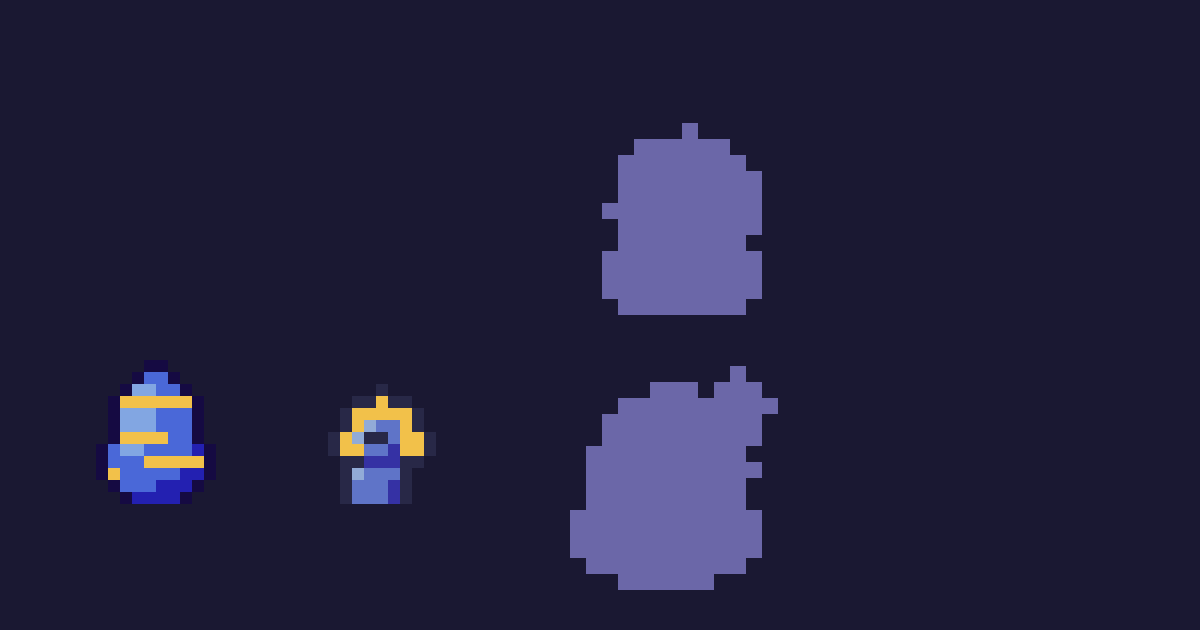
Boum, by Ranked12, comes from the Music series: a little DJ in golden headphones nodding along to the kick. It starts as a ball, earns its booth, then raises an arm when chat calls for the drop. Its triggers include 🎧, 🔥 and the word "drop". Which emotion they trigger is the surprise of your first set.
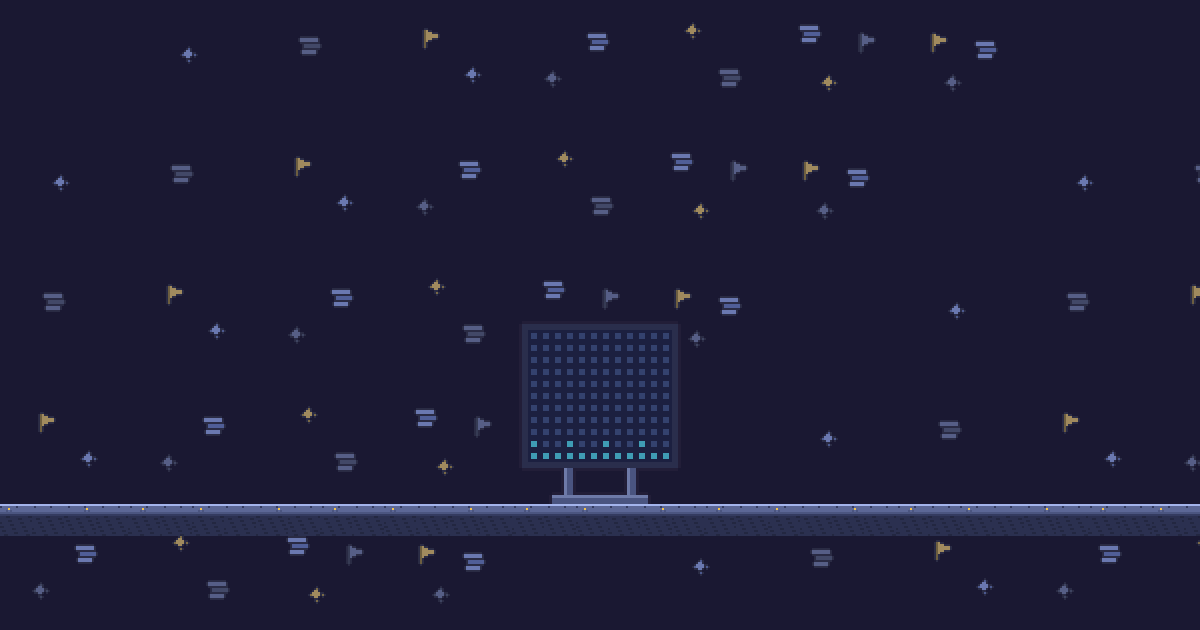
Mur de LED, by the same creator, is a decor item to place next to it: with every sub, its columns climb to the top in cyan, magenta and gold, then the wall flashes. For the floor, Dalles de la fosse draws a dancefloor. Other Music series fit electronic sets too: Gronde, a stack of speakers that reacts to "drop" and "bass", or Caisson, by Filon9, a subwoofer that pumps when a raid arrives.
Ranked12 and Filon9 are pen names of the LiveGotchi studio, which drew the launch collection and its series. The rest of the collection is in the directory, and reactions are explained in detail in What your creature does when chat pops off. If you play an instrument rather than decks, the live music stream guide picks up from here.
Frequently asked questions
Can you mix any track live on Twitch?
No. Twitch's DJ Program gives enrolled channels access to a large library of licensed tracks in the DJs category, but it excludes unreleased music. Outside the program, streaming copyrighted music is at your own risk.
Do clips work on a DJ stream?
Not in the DJ Program: Twitch switches off clips and VODs there. The best moments are lived live, which is why rituals your chat looks forward to from one set to the next matter so much.
How do you answer track ID requests without breaking the mix?
With a !trackid command run by your chat bot, or a "now playing" text linked to your DJ software and shown in OBS. You only need to confirm on the mic during a transition.
Does the LiveGotchi creature react to the music?
No, it doesn't listen to your mix. It reacts to chat (emotes, commands, triggers) and to stream events: raids, follows, subs, hype trains.
Do you need to link Twitch for it to react?
For messages, ticking chat reading on the Stream page is enough. For follows, subs, raids and hype trains, link your channel with a six-letter code, without ever sharing your password.