
Streamers · Formats · Sports
How to host a sports watch party stream on Twitch
A sports watch party on Twitch sells the atmosphere, not the footage: without broadcast rights, the game stays off your stream, and your voice, your on-screen score and your chat are the show. Split the night into four parts (pre-game, first half, half-time, post-game), give chat things to look forward to (predictions, polls, player of the match) and moderate debates firmly. A LiveGotchi creature on your overlay goes wild when chat spams "GOAL", and timeouts make it grumpy: your stand has a mascot.
- Without the rights holder's permission, don't stream the game's picture or sound: commentate, react, show the score.
- Twitch predictions and polls turn every big moment into a game for chat.
- The delay between TV and your stream creates spoilers: set the rule at kick-off.
- Refereeing debates fire chat up: they're your best fuel, as long as you moderate them.
- A creature on your overlay reacts to bursts of "GOAL" and to your mods handing out cards.
Can you stream a live game on Twitch?
Not without the rights. Major competitions belong to leagues, federations and the broadcasters who bought them, and Twitch doesn't allow sharing a match without its rights holder's permission. Restreaming the TV feed, filming your screen or relaying the official commentary can get your channel sanctioned.
What works, and what plenty of sports channels do, is the watchalong without footage: your audience watches the game on their side, through a legal source, and comes to you for the atmosphere. You show your camera, your score, your stats, and you commentate like a fan in a sports bar.
Some rights holders do grant co-streaming rights to creators for a match or a competition. If that's your case, the agreement says what you can show: read it before kick-off. And if you stream your own sport (a training session, an amateur game filmed with the players' consent), the question doesn't arise in the same way.
How do you structure a match night?
What do you do before kick-off?
Go live before the game, not at kick-off. That's the time for line-ups, injuries and memories of the last meeting. Start a prediction on the winner and a poll on the exact score: chat bets its channel points and now has a personal stake in every play.
How do you run the stream during the game?
During play, your role changes: you react more than you describe. Your viewers watch the game elsewhere; they want your reaction, not a play-by-play. Quiet spells are your windows to read chat, answer questions and restart debates.
When a goal goes in, let chat explode. The "GOAL GOAL GOAL" spam is part of the ritual: it's the stand rising to its feet. Mods let it through, and it calms down on its own.
What do you do at half-time?
Half-time is your calmest moment, and so your most fragile one. Fill it: first-half stats, a quick quiz on the club's history, a "who should come off?" poll, or reading out the funniest messages from chat.
How do you wrap up after the final whistle?
The post-game show is what brings people back next time. Hand out your player ratings, open the player-of-the-match vote, resolve predictions and congratulate the winners on the mic. End with a raid to another sports channel: you'll keep the connection for the big fixtures.
Which interactions get chat buzzing?
- Predictions at every key moment: next scorer, penalty scored or missed, result after VAR.
- Chat's card: let viewers vote "red card or not?" before the referee decides.
- Team emotes: if you have sub emotes in your club's colours, this is where they come alive.
- The prediction table: a season-long chat leaderboard gives people a reason to come back every match.
- Channel points: a "fan chant" reward you belt out on the mic always lands.
Which mistakes ruin a watch party?
- Spoiling chat. Your stream is behind some people's TV and ahead of others'. Announce your rule at the start: no calling a goal before everyone can see it, and mods hide spoilers.
- Letting debates turn nasty. Rival fans, insults, referees targeted: set chat rules, leave timeouts to your mods and never reply to a troll in the heat of the moment.
- Showing the footage "just for a second". That's exactly what rights holders look for.
- Talking non-stop. If you narrate every play, chat has no room left to react.
- Ending the stream at the final whistle. The post-game is often the chattiest part of the night.
What are the best OBS settings for match commentary?
- Your camera and your mic, with no capture of the TV or the official feed: neither picture nor sound.
- A score on screen: a Text source you update, or a scoreboard tool connected to OBS.
- One scene per part of the night: pre-game with line-ups, match with your camera up large, half-time with stats, post-game with ratings.
- A kick-off countdown: the countdown script that ships with OBS does the job, under Tools ▸ Scripts.
- A Compressor filter on your mic: you're going to shout, that's normal, but your audience shouldn't have to turn the volume down.
- Low latency turned on in your Twitch channel settings, to narrow the gap between your reaction and what chat sees.
What about a creature on your overlay?
LiveGotchi puts a small pixel art creature on your OBS overlay. It reacts to chat, only grows while you're live, and evolves based on what your community does. At a watch party, it becomes the mascot of your stand.
What it does on a match night, with the default settings:
- When chat spams (four emote-heavy messages, or messages repeating the same word, like "GOAL GOAL", within ten seconds), it gets excited and dances. Chat's goal becomes its goal.
- A timeout makes it angry, a ban scares it: when your mods hand out cards, the mascot shows it.
- The end of a prediction or a poll makes it spin, a raid makes it dance, a sub makes it fall in love.
- An emotion triggered by an emoji or a word from chat lasts eight seconds. The same one can't replay within twenty seconds, and six at most fire per minute: even when the whole stadium types at once, it doesn't flicker.
Predictions, polls, raids and subs come in once your Twitch channel is linked with a six-letter code. Messages feed it as soon as you tick chat reading.

Plumet, by Olympix, comes from the Music series devoted to the stadium brass band: a drum major in a plumed bearskin who beats time in front of the troupe, then raises a bronze mace or crashes two cymbals above the stands. Its triggers include 🥁, 👏, "gg" and "bis". Its neighbour Cornet, a herald with a raised bell, reacts to 🎺 and "olé", among others.
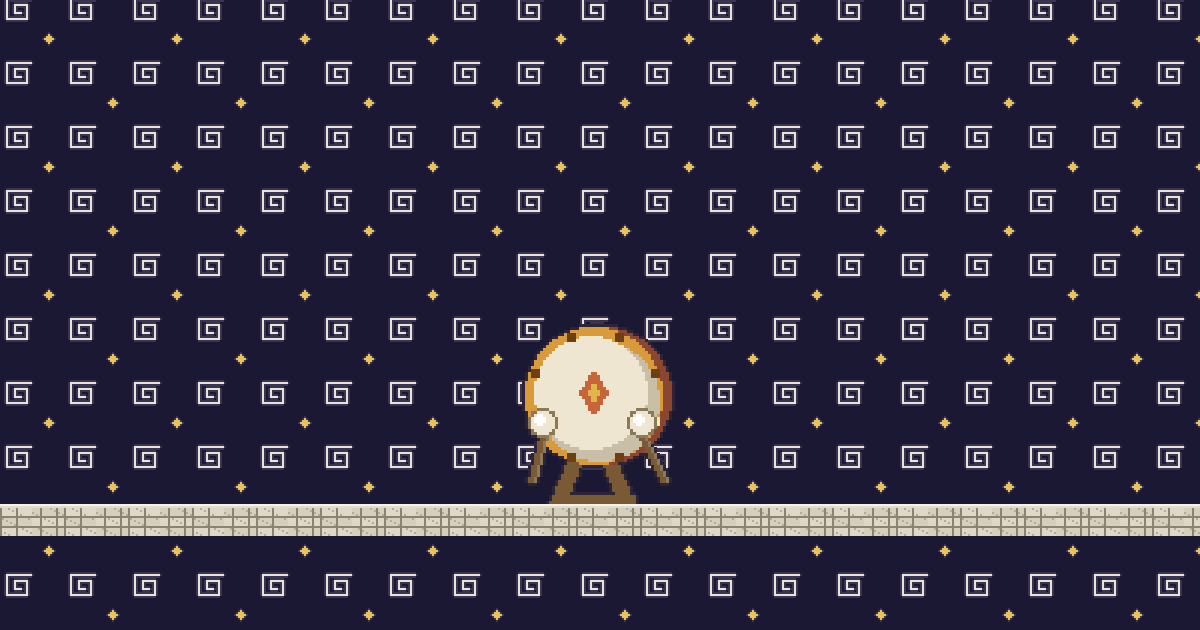
Grocaisse is a decor item to place alongside: the troupe's bass drum, whose mallets start pounding as soon as a raid arrives. For the background, Fanions strings up a garland of stand pennants without hiding what's behind it.
Olympix is one of the pen names of the LiveGotchi studio, which drew the launch collection and its series. You'll find the other creators in the directory, and the reactions in detail in What your creature does when chat pops off. For nights when you're not commentating anything at all, the Just Chatting guide takes over.
Frequently asked questions
Is it legal to watch a match live with your chat?
Yes, as long as you stream neither the game's picture nor its sound. Your audience watches it through a legal source, and your stream brings the commentary, the reactions and the score. Streaming the game itself requires its rights holder's permission.
How do you avoid spoilers during a watch party?
Announce a rule at the start: no calling a goal before everyone can see it. Turn on low latency for your channel and ask your mods to hide messages that jump ahead of the action.
What should you do at half-time on a match stream?
Fill it with first-half stats, a quiz on the club, a poll on the substitution to make or the best messages from chat. It's the moment viewers decide whether to stay.
Does the LiveGotchi creature see the goals?
No, it doesn't watch the game. It reacts to your chat: when chat spams "GOAL" or emotes, it gets excited and dances. It also reacts to predictions, polls, raids, subs and moderation.
Do you need to link Twitch for the creature to react to predictions?
Yes. Chat messages are enough to feed it, but predictions, polls, raids and subs arrive through the Twitch link, set up with a six-letter code and no password.